
- Tell us whether you need a replacement or a new control point.
- Start with the product link or one photo of your existing switch. No photo yet? Tell us the gate or shutter type.
- We confirm the exact model and compatibility before purchase.
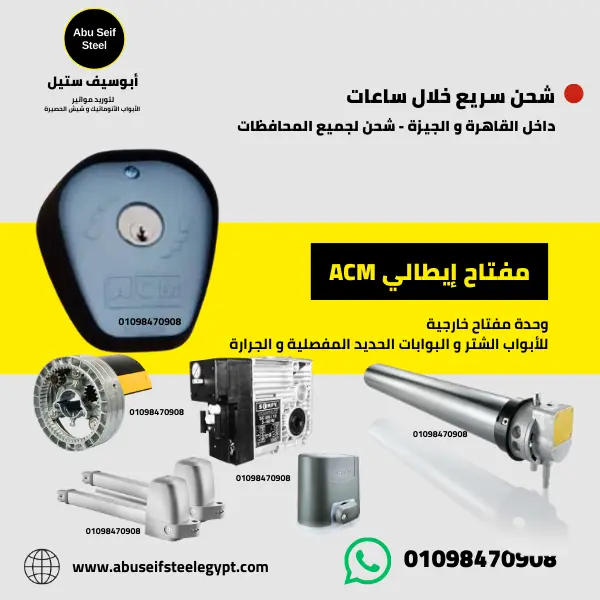
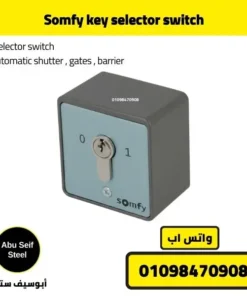
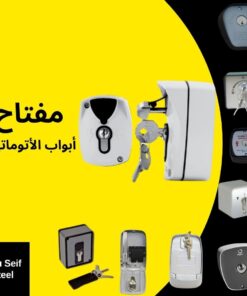
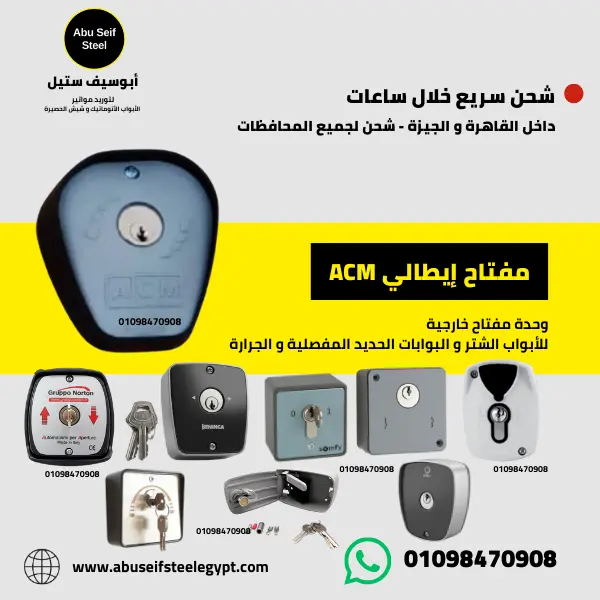
Store photo. Key switch unit for gates and doors.
Quick decision in 60 seconds
- Need a simple keyed trigger. Choose a standard key switch unit.
- Need a position based workflow. Choose a key selector switch.
- Working on shutters or roll up doors. Choose a shutter focused unit from the slider.
- Send a clear terminals close up. This decides the wiring match.
- Send the mounting spot photo. This confirms fit and cable entry.
You avoid wrong orders when you confirm terminals and mounting before checkout.
Who this product fits
- You want a keyed control point for a gate, shutter door, or garage entry.
- You want controlled access for staff, deliveries, or security.
- You want a fixed backup control point on site.
- You want access tied to key holders, not remote sharing.
Choose the right model in 30 seconds
- Step 1. Tell us your system. Gate or shutter door.
- Step 2. Send the board photo and terminals close up.
- Step 3. Pick style. Switch or selector.
- Step 4. Send the mounting photo and measurements.
Replacement, wiring type and power cuts: what should you check?
Can I replace a gate key switch with any similar-looking switch?
No. Match the exact operating action, electrical rating, connections and mounting dimensions. The brand or appearance alone does not establish compatibility. Share the old unit or model reference; have an installer confirm the electrical details.
Is a key switch always a low-voltage dry-contact device?
No. Key switches can be used in different control circuits. Some provide a contact input to a controller; others are rated for wired motor-control applications. Use the product and controller documentation for the exact model. Do not apply mains voltage to a dry-contact input.
Will turning the key open the shutter during a power cut?
An electrical key switch alone does not supply backup power. Manual release is a separate function and must match the motor. If you need emergency access, ask specifically about a compatible release mechanism rather than assuming any key switch will provide it.
What should a quote include?
The exact model, supplied parts and keys, any separate release accessories, item price and delivery cost. Tell us your quantity and delivery area. Installation requirements depend on your existing system.
Technical references: ACM release-lever example and Beninca mounting variants. These examples explain why model-level checks matter; they do not identify the exact model in your installation.
Shop key switches on our website
Open the product you want. Send the product link on WhatsApp. You confirm compatibility before you buy.
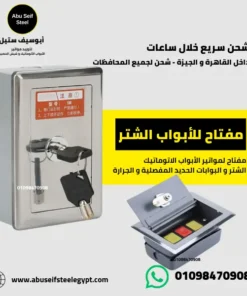
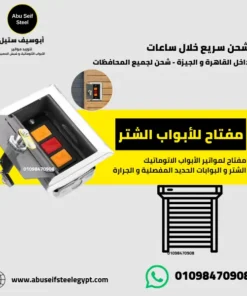
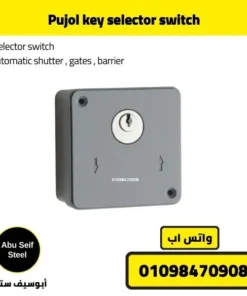
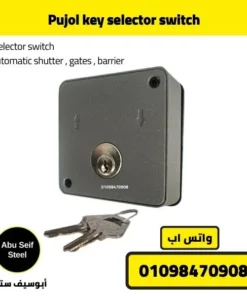
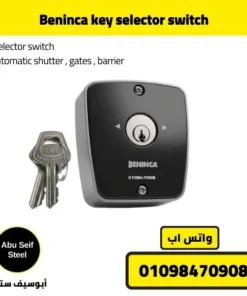
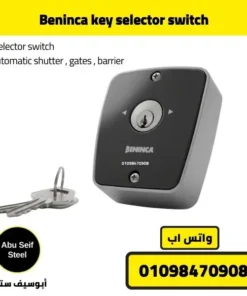
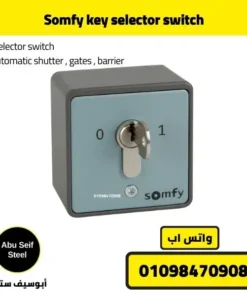
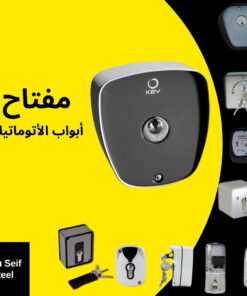
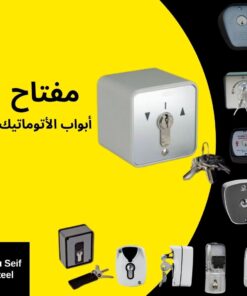
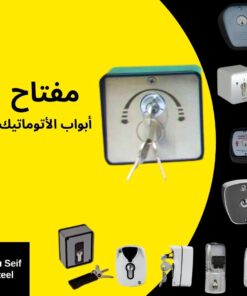
Model comparison
| Model | Type | Typical use | What you confirm by photo | Key decision feature | Best for |
|---|---|---|---|---|---|
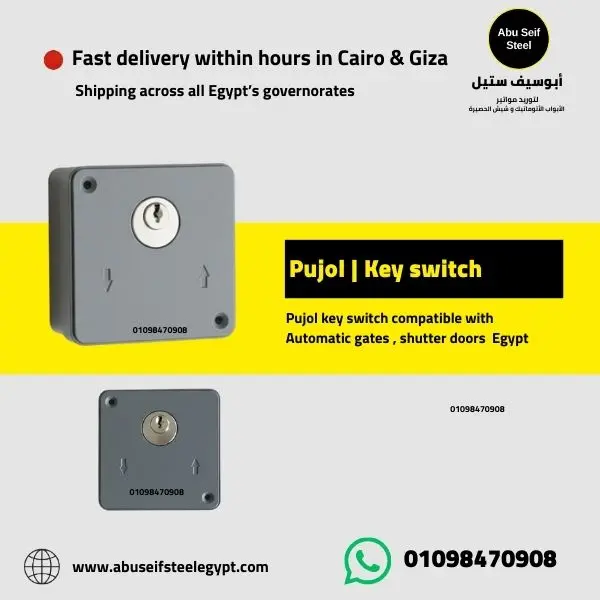
| Pujol key switch | Key switch unit | Simple keyed trigger for gates and shutter doors | Terminal labels on the controller | Fast choice for a basic keyed command point | Sites that want a simple keyed workflow |
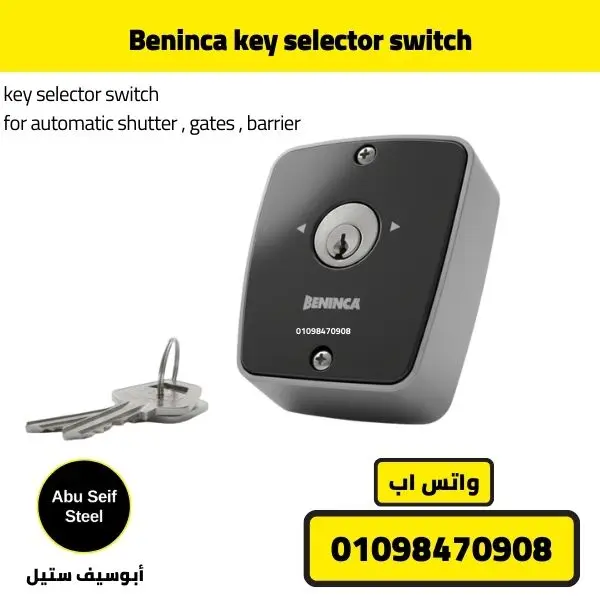
| Beninca key selector switch | Key selector switch | Selector style wall control | Function needed and terminal labels | Position based workflow when the site needs clear states | Sites that prefer selector style operation |
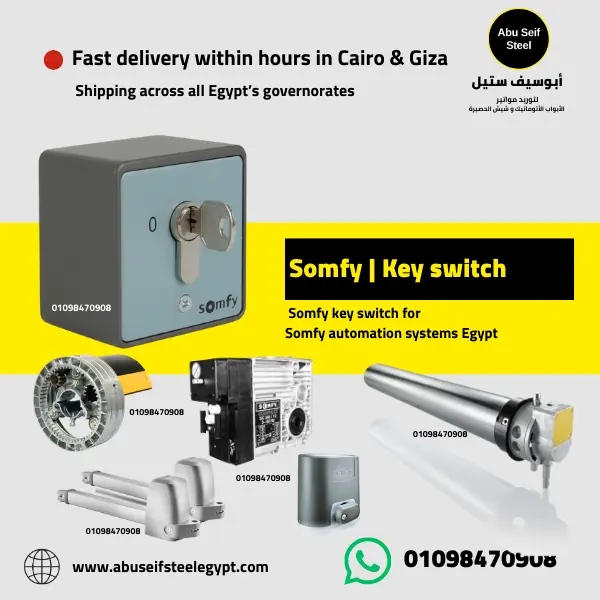
| Somfy key switch range | Key switch family | Multiple options in one ecosystem | Exact model page and terminal labels | Stay in one brand line, then match by terminals | Projects that standardize one brand family |
| Roll up door key switch unit | Shutter door unit | Rolling shutters and roll up doors | Dedicated command input on the shutter controller | Shutter focused choice when the controller expects a specific input | Shutter door sites that need a keyed control point |
Pujol key switch
Beninca key selector switch
Roll up door key switch unit
Key specs that affect your decision
Controller input
Terminal labels
Send a close up photo to match the correct input.
Operation style
Switch or selector
Pick based on your site workflow.
Mounting
Space and cable entry
Confirm wall space, cable route, and sealing.
Get help choosing your key switch
Start with a product link or a photo of the old switch. If technical checks are needed, your installer can provide the model and terminal information safely before you order.
Kit contents
- Kit contents vary by model. Check the exact product page in the slider.
- Send the product link on WhatsApp if you want a confirmed kit list.
Related guides and products
- All automatic door key switches, full range
- Best automatic shutter door key selector switch, pulse and selector options
- Automatic gate key switch, types and how it works
- Gate key switch not working, step-by-step diagnosis
- Electric gate switches compared, key, push button, or wireless
- Electric gate push button, the wired indoor control explained
- Somfy key selector switch
- Pujol key selector switch
- Beninca key selector switch
Common buying objections, short answers
Will it work with my gate motor brand.
Match the controller input terminals. Confirm by sending a clear terminals photo.
I do not know which input to use.
Send the terminals close up. We point you to the correct input label.
I worry about ordering the wrong model.
Confirm terminals and mounting photos first. Then you order.
I need selector style operation.
Pick a selector model from the slider, then confirm the function by terminal labels.
I need it for shutter doors.
Pick a shutter focused unit from the slider, then confirm the command input by photo.
I want controlled access for staff only.
Keep keys with the responsible person. Limit remote distribution.
I worry about the installation spot.
Measure wall space and cable entry, then confirm by photo before buying.
I need a fast decision today.
Start with the old switch photo or product link. We will ask for any additional details needed.
Pre purchase checks to avoid installation failure
- Send the control board photo and terminals close up.
- Confirm the command you want on the controller, step by step or open only.
- Measure the mounting spot and confirm cable entry route.
- Confirm wall type and mounting method for screws and anchors.
- Confirm who holds the keys and how you manage access on site.
Short Q and A
What is the fastest way to choose a model.
Choose from the slider, then send the terminals close up for confirmation.
What should I send on WhatsApp.
Start with one photo of the existing switch, or tell us your door type if you do not have a photo. Technical details may be required to confirm compatibility before purchase.
Do you sell one brand only.
No. You choose from multiple brands inside the slider.
Do you include price on this page.
Request the current price and availability for the selected model. Confirm the supplied parts, delivery cost and compatibility before purchase.
What if I do not know my motor model.
Send a photo of the motor label and the control box label.
What if the site needs a specific command.
Confirm the input label on the controller, then pick the matching unit.
How do I avoid wrong installation.
Confirm wiring and mounting photos before buying, then seal cable entry correctly.
Can I use it for gates and shutters.
Confirm based on controller terminals and installation needs.
Ask for a quote on WhatsApp
Tell us the door type and whether this is a replacement or a new installation. We can then identify which details are needed for a suitable quote.