
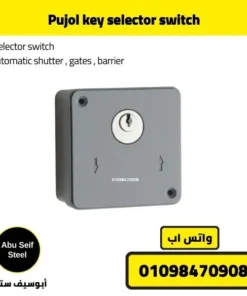
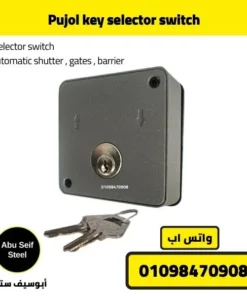
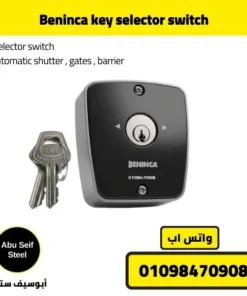
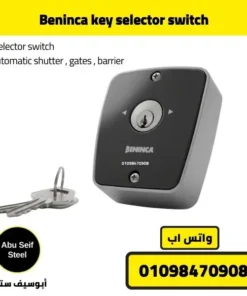
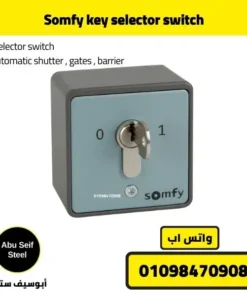
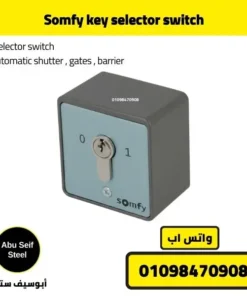
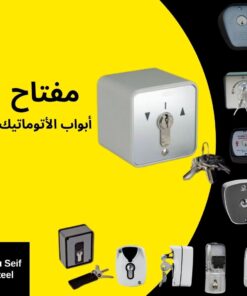
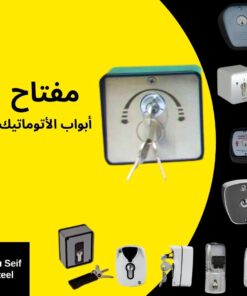
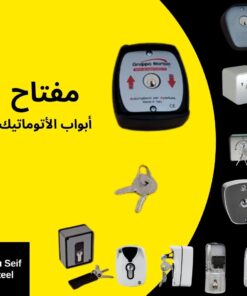
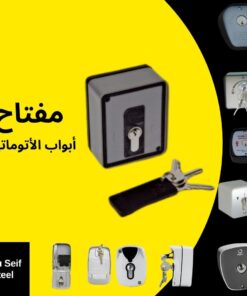
Best automatic shutter door key selector switch
🔑 Buy this when you need controlled access at the shutter.
✅ Choose momentary pulse if your board uses SBS, STEP, or START.
✅ Choose OPEN and CLOSE selector if your board has separate OPEN and CLOSE inputs.
📷 Send a photo of your control board terminals on WhatsApp, we confirm compatibility before you order.
You add a key selector switch to control access, reduce remote sharing, and keep a fixed backup control point near the shutter or gate.
Explore related products
🧩 Match your key switch with control accessories, safety items, and gate kits.



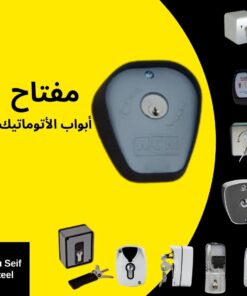
Who this fits
- 🏪 Shop shutters that need staff-only control at the entrance.
- 🏭 Warehouses that want a fixed control point, not shared remotes.
- 🧰 Maintenance teams that need a quick wired trigger.
- 🚪 Sliding gates that already use a control board with dry-contact inputs.
What you gain after installing it
Only the key holder triggers open or close commands.
You keep a backup control point when remotes get lost or damaged.
Staff operate the shutter from one known location with clear responsibility.
Choose the right option in 30 seconds
- Input type on your control board, SBS, STEP, START, or OPEN and CLOSE.
- Operation style, pulse command, or maintained selector.
- Install location, indoor, or outdoor enclosure requirement.
- Send a photo of the control board terminals.
- Write your device type, shutter, sliding gate, or barrier.
- Write your city for delivery planning.
Strong comparison table
📊 Pick the configuration that matches your control board inputs and site rules.
| Option | Command style | Typical terminals | Best for | Main advantage | Watch out | What to send us |
|---|---|---|---|---|---|---|
| Option A, momentary pulse | Pulse, returns after turn | COM + SBS, STEP, or START | Most shutters and gates with step-by-step input | Fast and simple for maintenance teams | Not ideal when you need separate open and close | Photo showing SBS, STEP, or START label |
| Option B, maintained 2 positions | Maintained, stays on position | COM + OPEN, or COM + CLOSE | Industrial sites with strict operation rules | Clear open-only or close-only control | Wrong choice if the board expects pulse only | Photo of OPEN or CLOSE plus COM |
| Option C, maintained 3 positions | Maintained with neutral stop | COM + OPEN + CLOSE | Sites that need separate direction control | Direct open and direct close | Needs correct board support | Photo of OPEN and CLOSE plus board model |
| Alternative, push button station | Button press | COM + START | Indoor staff-only areas with no key requirement | Lowest friction operation | No access restriction | Confirm if you need access control |
Wiring in plain English
🔧 The key switch triggers a dry-contact command, the control board runs the motor.
| Your board input | Choose this | Connect to | Result |
|---|---|---|---|
| SBS, STEP, START | Momentary pulse key switch | COM + SBS, STEP, or START | Open, stop, close sequence based on board logic |
| OPEN input exists | Selector with OPEN | COM + OPEN | Direct open command |
| CLOSE input exists | Selector with CLOSE | COM + CLOSE | Direct close command |
| OPEN and CLOSE exist | 3-position selector | COM + OPEN + CLOSE | Separate direction control |
Send the terminal photo, we match the correct option to your board labels.
Where to install it
- Near the shutter controller room or operator point.
- On the staff access side, not the public-facing side.
- On a solid surface with a clean cable route to the control board.
- Label it based on your option, OPEN, CLOSE, or STEP.

Pre-purchase checklist to avoid install failure
- 📷 Photo of your control board terminals, plus board model name if available.
- ✅ Confirm the input type, SBS, STEP, START, or OPEN and CLOSE.
- 🧰 Confirm the install location, indoor or outdoor.
- 🧵 Confirm cable route length and entry point to the control box.
- 🔐 Confirm who holds the key, manager only or maintenance team only.
Buyer objections, short answers
It works when your board accepts dry-contact inputs like SBS, STEP, START, OPEN, or CLOSE.
No. The key switch sends a contact signal, the control board powers the motor.
Choose the option wired to OPEN only, we confirm from your terminal photo.
Choose OPEN and CLOSE selector only if your board supports both inputs.
Yes. Share your city, we confirm delivery options and dispatch timing on WhatsApp.
FAQ
Does it work for shutters and sliding gates
Yes, when your controller accepts dry contact inputs like SBS, STEP, START, OPEN, or CLOSE.
What is the difference between pulse and selector
Pulse sends a quick trigger. Selector stays in position for direct open or close control.
How do I know my input type
Look for COM, SBS, STEP, START, OPEN, CLOSE on the terminals. Send a photo, we confirm.
What details do you need to quote
Device type, input type, install location, and your city.