Diagnose in this order
Screen stops at wrong heights? Limit settings drifted — readjust, no parts needed. Hums but does not move? The capacitor, the classic cheap fix. Dead silent? Power path first (fuse, switch, receiver), then the motor. Jerky travel? Roller obstruction or a failing motor bearing. Send a short video on WhatsApp 01098470908 and the diagnosis returns in minutes.
Replacement without replacing the screen
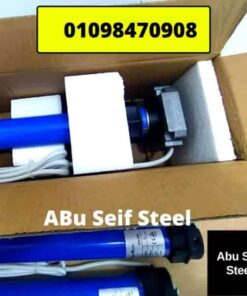
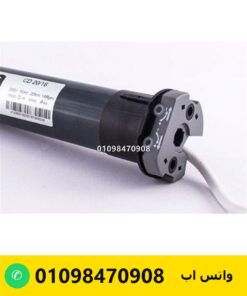
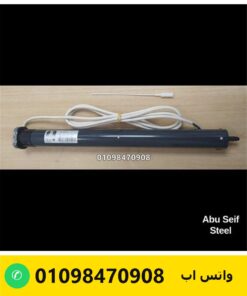
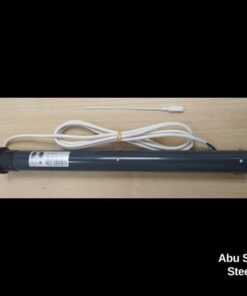
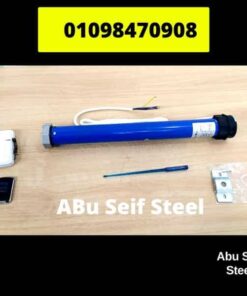
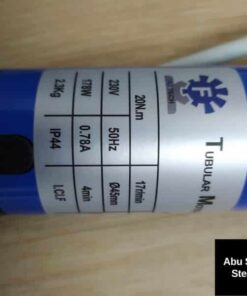
A dead motor swaps out of the roller while the screen and case stay — the new compact class slides in with matching adaptors. The case-end photo plus roller diameter confirm the drop-in fit before you pay; kits ship nationwide with cash on delivery.
FAQ
Screen stops halfway — motor dead?
Usually limits or capacitor, both fixable — the video diagnosis tells us which before you spend on a motor.
Can the motor be replaced without a new screen?
Yes — the motor slides out of the roller and the replacement slides in with the right adaptors.
How do I readjust the stop points?
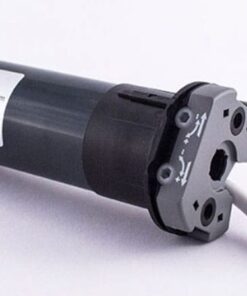
Limit screws on the motor head — steps for your model ship on WhatsApp with pictures.
What does a replacement cost?
Class-dependent — send the case photo and roller diameter and the updated price returns the same day.