
A roller shutter key switch — also called a shutter key switch, key selector switch or key-operated switch — is a wall-mounted metal switch that opens and closes an electric roller shutter when you turn a metal key. On a shutter with a control board it only sends a command to the board input; on a tubular motor wired without a board it switches the motor’s up and down lines directly. It comes in two working types: momentary (pulse) and maintained (selector).
It is used where a remote is not enough on its own: shop and warehouse shutters, garage roller doors and roll-up doors, and any entrance where only the key holder should operate the shutter. It works alongside the remote — it does not replace it.
Supply only. Delivery within hours for Cairo and Giza, shipping to all governorates.
📘 Reference: IEC 60335-2-103, the international safety standard for drives for gates, doors and windows, lists «rolling doors» among the drives in its scope, but states that it does not apply to drives «for shutters covering doors and windows», which fall under IEC 60335-2-97. In other words, the standard itself separates a rolling door from a shutter that covers a door or window. It describes categories of drives — not any specific model, and not the key switch itself — and conformity assessment is work for a qualified technician.
Momentary (pulse) or maintained (selector) — what decides it
The switch type is decided by how your shutter motor is controlled, not by the brand on the switch. There are two setups:
1. Shutter with a control board
The board powers the motor. The key switch only closes a dry contact on one of the board inputs, so it carries a signal, not the motor current. A momentary (pulse) switch fits a board with a single step-by-step input; a maintained selector fits a board with separate OPEN and CLOSE inputs.
2. Tubular shutter motor without a board
The motor has separate up and down lines and no board. Here the switch itself carries the motor’s mains supply, so it has to be a 3-position maintained switch (up · stop · down) rated for mains voltage. A low-signal pulse switch does not fit this setup.
| Your shutter setup | Labels you will see | Switch type it expects |
|---|---|---|
| Control board with one command input | COM + STEP · SBS · START · P.P. | Momentary (pulse) |
| Control board with separate direction inputs | COM + OPEN · CLOSE | Maintained selector (2 or 3 positions) |
| Tubular motor with no board | Motor cable: common + up + down | 3-position maintained, mains-rated (up · stop · down) |
| Indoor, no access restriction needed | COM + START | Push button instead of a key switch |
Not sure which setup you have? A photo of the board terminals — or of the motor cable if there is no board — settles it. Send it on WhatsApp and the sales team confirms the matching type before you order.
Indoor or outdoor, flush or surface
- Outdoor units have a sealed housing and a cover over the key hole. Check the IP marking on the housing: the first digit is protection against dust, the second against water.
- Surface-mounted units sit on the wall with the cable entering from behind or below. Flush-mounted units need a recess in the wall or pillar.
- Anti-tamper design: metal housing and a key that is removed after use, so the switch cannot be operated by hand.
Brands and models available
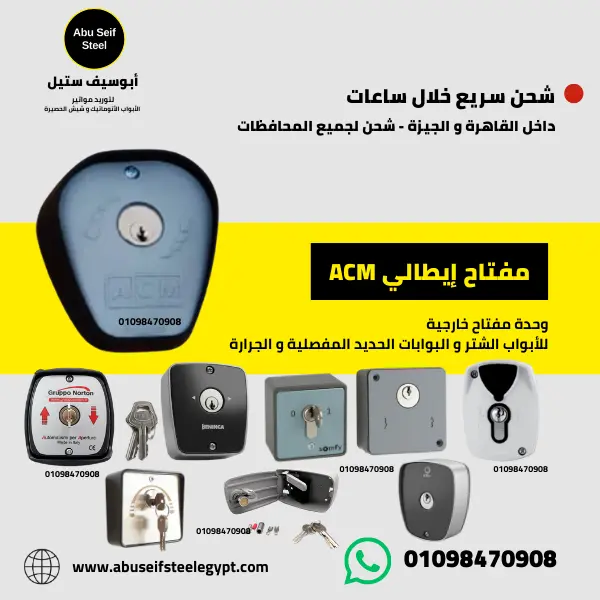
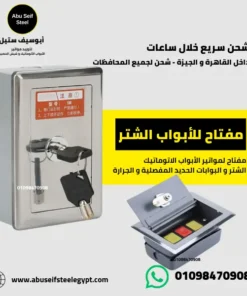
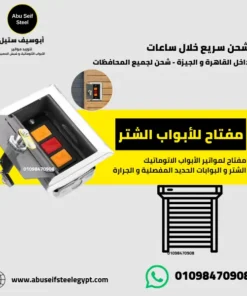
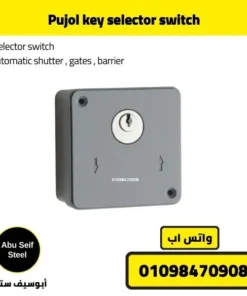
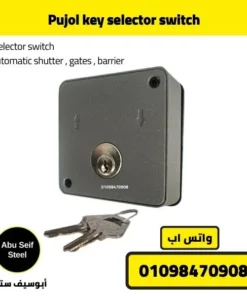
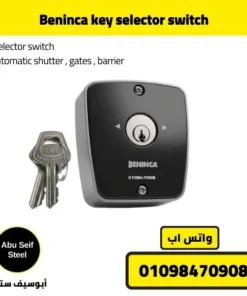
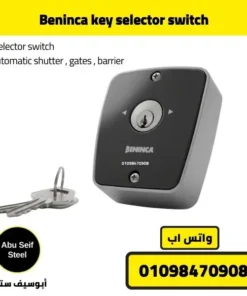
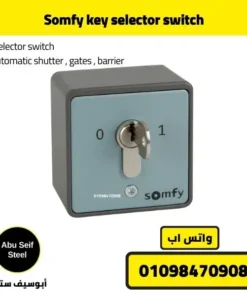
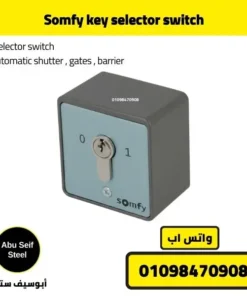
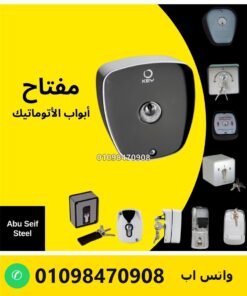
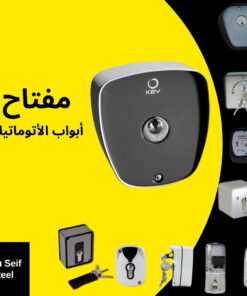
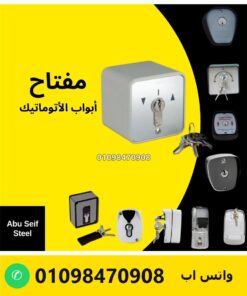
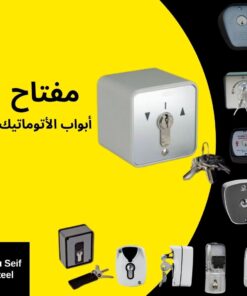
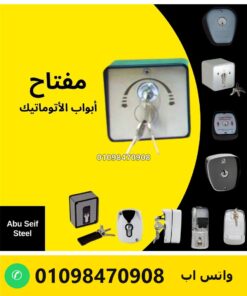
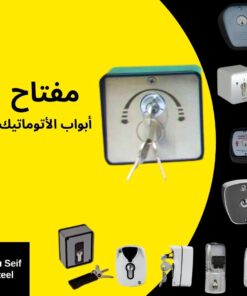
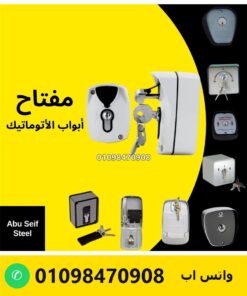
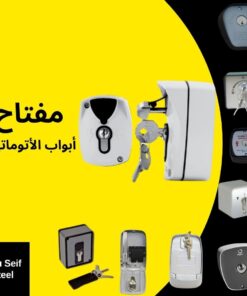
Shutter and gate key switches in stock from Somfy, Beninca and Pujol, plus the Italian Key and ACM key switches and a stainless-steel side-mounted shutter key switch. The full range is in the key switch category.
Other motor brands: at the electrical level a key switch is brand-neutral. A board from CAME, BFT, Nice, FAAC or any other maker accepts it as long as it has a dry-contact input of the right type. What decides the match is the input label and the command type, not the logo on the motor.
Key switches in stock
What to send for a price and availability
- A photo of the control board terminals — or of the motor cable if there is no board.
- The motor or board brand if it is visible on a label.
- Indoor or outdoor mounting.
- Your governorate, for delivery timing.
Related guides
Roller shutter key switch — FAQ
What is a roller shutter key switch?
A wall-mounted metal switch that opens and closes an electric roller shutter when you turn a metal key. It sends a command to the shutter’s control board, or on a tubular motor without a board it switches the up and down lines directly.
Shutter key switch, key selector switch, key-operated switch — are they the same thing?
Yes. Shutter key, selector key, key selector switch, keyed switch and key-operated switch all name the same kind of unit. The differences that matter are the command type (momentary or maintained) and the number of positions.
Momentary or maintained — which one does my shutter need?
A control board with a single STEP, START or SBS input expects a momentary (pulse) switch. A board with separate OPEN and CLOSE inputs expects a maintained selector. A tubular motor with no board needs a 3-position mains-rated switch (up, stop, down).
Does a shutter key switch need its own power supply?
No. With a control board it only closes a contact on the board input. Without a board it switches the motor’s own supply, which is why that setup needs a switch rated for mains voltage.
Can I use a key switch on a garage roller door or roll-up door?
Yes. A garage roller door or roll-up door uses the same motor setups as a shop shutter, so the same rule applies: the board input or the motor wiring decides the switch type.
Will a Somfy, Beninca or Pujol key switch work with a CAME, BFT, Nice or FAAC board?
At the electrical level, yes, if the board has a dry-contact input of the matching type. The brand of the switch and the brand of the motor do not have to be the same.
Can I keep using my remote after adding a key switch?
Yes. The key switch is a second control point on its own input, so the remote keeps working as before.
Is a roller shutter motor covered by the same standard as a rolling door?
Not always. IEC 60335-2-103 lists rolling doors in its scope but excludes drives for shutters covering doors and windows, which are covered by IEC 60335-2-97. Both standards describe categories of drives, not a specific model, and conformity assessment is work for a qualified technician.
How do I get the price?
Prices differ by brand and type. Send a photo of your board terminals or motor cable on WhatsApp 01098470908 and the sales team replies with the matching model, price and availability.